
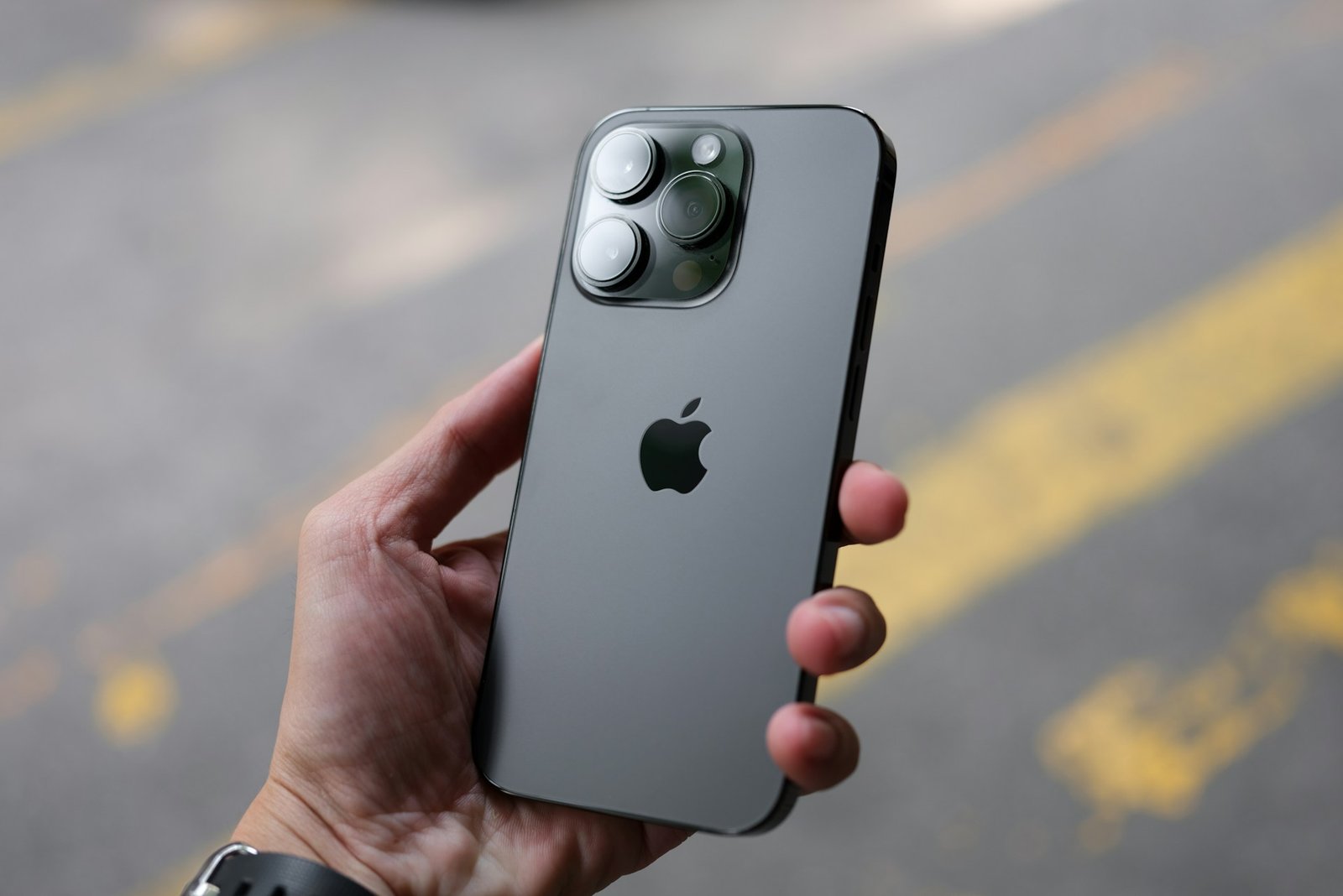
iPhone battery health is a percentage that reflects your battery’s current maximum capacity compared to when it was brand new. For example, if your device shows 92% battery health, it means the battery can now hold only 92% of the charge it originally could. This number is not random—it is a real-time estimate based on the battery’s chemical condition and usage patterns over time. Apple includes this feature so users can better understand when their battery is aging and how it may affect daily performance.
Why Lithium-Ion Batteries Naturally Wear Out
All iPhones use lithium-ion batteries, which are designed to be lightweight, fast-charging, and efficient. However, they are also chemically limited. Every time you charge and discharge your phone, tiny chemical reactions occur inside the battery cells. Over time, these reactions reduce the battery’s ability to hold energy. This process is known as chemical aging, and it happens even if you are not actively using the device heavily.
Heat is one of the biggest factors that speeds up this degradation. For example, using your iPhone for gaming, video recording, or GPS navigation while charging can increase internal temperature and accelerate battery wear. Similarly, consistently exposing the device to high temperatures—such as leaving it in a hot car or under direct sunlight—can shorten battery lifespan significantly.
Understanding Charge Cycles in Simple Terms
A charge cycle is one of the most important concepts in battery health. One full cycle does not mean charging your phone from 0% to 100% at once. Instead, it refers to using a total of 100% battery capacity over time. For example, using 60% one day and 40% the next day equals one full cycle.
Apple designs iPhone batteries to retain up to 80% of their original capacity after approximately 500 full charge cycles under ideal conditions. However, real-world usage varies, and factors like heat, fast charging habits, and heavy app usage can reduce this lifespan faster.
How Battery Health Affects Daily iPhone Performance
As battery health decreases, users may notice changes in how their iPhone behaves. The most common sign is shorter battery life, where the device drains faster than before. In some cases, iOS may also adjust performance to prevent unexpected shutdowns when the battery can no longer supply stable power.
This is why two identical iPhones can feel very different after a few years of use. One may still feel smooth and long-lasting, while the other may require multiple charges a day depending on battery condition.
How to Check Battery Health Properly
Apple makes it relatively easy to monitor battery condition. Users can go to Settings, then Battery, and select Battery Health & Charging. Here, you will see Maximum Capacity and Peak Performance Capability.
Maximum Capacity shows how much charge your battery can hold compared to when it was new. Peak Performance Capability indicates whether your device is operating normally or if performance management has been applied due to battery condition.
Practical Ways to Slow Down Battery Degradation
While battery wear is unavoidable, there are several habits that can slow it down significantly. Keeping your device away from excessive heat is one of the most effective steps. Using optimized battery charging, a feature built into iOS, also helps reduce stress on the battery by learning your charging routine and limiting time spent at 100%.
Avoiding constant full discharges (0%) and full charges (100%) can also help. Instead, maintaining your battery between 20% and 80% is generally considered healthier for long-term battery stability. Using certified Apple chargers or MFi-certified accessories ensures stable voltage and reduces risk of overheating or damage.
When You Should Consider Replacing Your Battery
Even with good habits, all batteries eventually reach a point where replacement becomes necessary. Apple generally recommends considering a battery replacement when maximum capacity drops below 80% or when you start noticing significant issues such as rapid battery drain, sudden shutdowns, or inconsistent performance.
Replacing the battery can dramatically improve device performance and extend the usable life of your iPhone without needing to upgrade the entire device.
Final Thoughts on iPhone Battery Health
iPhone battery health is not a flaw—it is a natural part of how modern smartphones age. Understanding how it works helps users set realistic expectations and take better care of their devices. While degradation cannot be fully prevented, it can definitely be managed with the right habits, allowing users to get more consistent performance and longer value from their iPhones.